Get visitor alerts on WordPress.
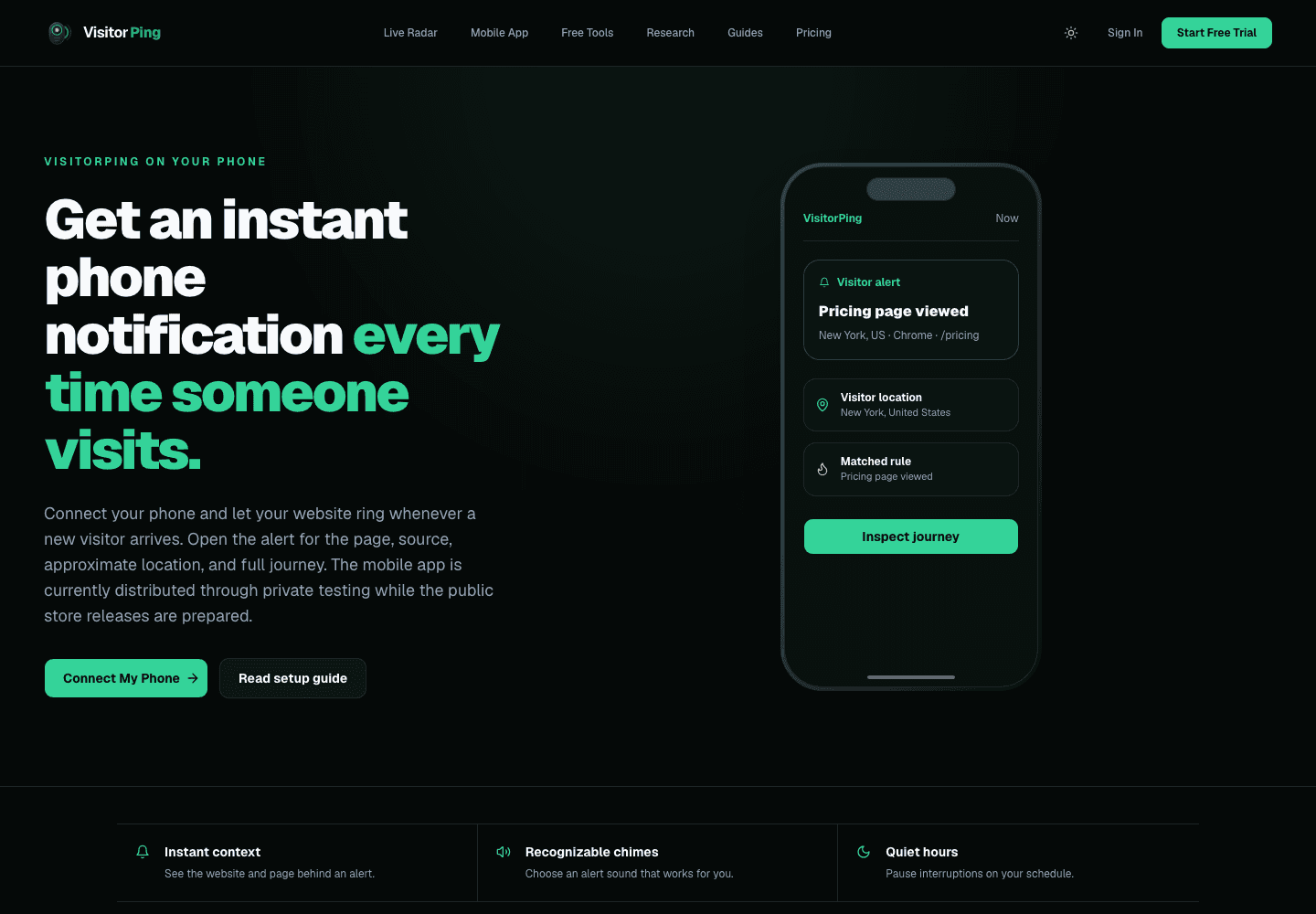
A working alert needs three things: tracking on the published website, a connected phone with notification permission, and an alert rule that matches the visit. Installing the script alone does not enable phone notifications.
1. Install on the published site
Add your website to VisitorPing and copy its own installation instructions. Use the WordPress plugin or the script method described in the WordPress installation guide; avoid installing both, which can duplicate tracking. Publish the change and clear any site cache.
Open the public site in a separate browser where you are not signed in to WordPress. Administrator exclusions, privacy tools, and content blockers can prevent your own test visit from appearing.
2. Connect the phone and choose alerts
Open Mobile Connect in your workspace and follow the available pairing steps. Check the Mobile App page for current distribution options before assuming an app-store download is available. Allow notifications on the phone.
Review alert settings and quiet hours. Start with a rule you can intentionally trigger, then narrow it to activity you care about. Lead rules are signals of interest, not a guarantee that a person will buy.
3. Verify each part separately
Run the website installation check. Open the public website, visit a second page, and confirm that the route appears in Live Radar. Then test the notification path using your configured settings.
If Live Radar works but your phone stays silent, investigate pairing, notification permission, quiet hours, and the alert rule. If the visit is missing too, investigate installation, exclusions, subscription status, and collection budgets first.
What a successful test proves
A successful test confirms that this setup worked at that moment. Network conditions, device settings, classification, and collection limits can affect later delivery. Keep the dashboard available as a separate way to inspect recorded activity. Live chat requires Pro or above.
Confirm the visit before testing the alert
Check the browser-to-dashboard path first, then pair your phone and test its notification settings.