Verify that website tracking actually works.
Finding a script in HTML is only the first check. Verify that a visit reaches the correct workspace, then test alerts separately. A detector result alone does not prove event delivery.
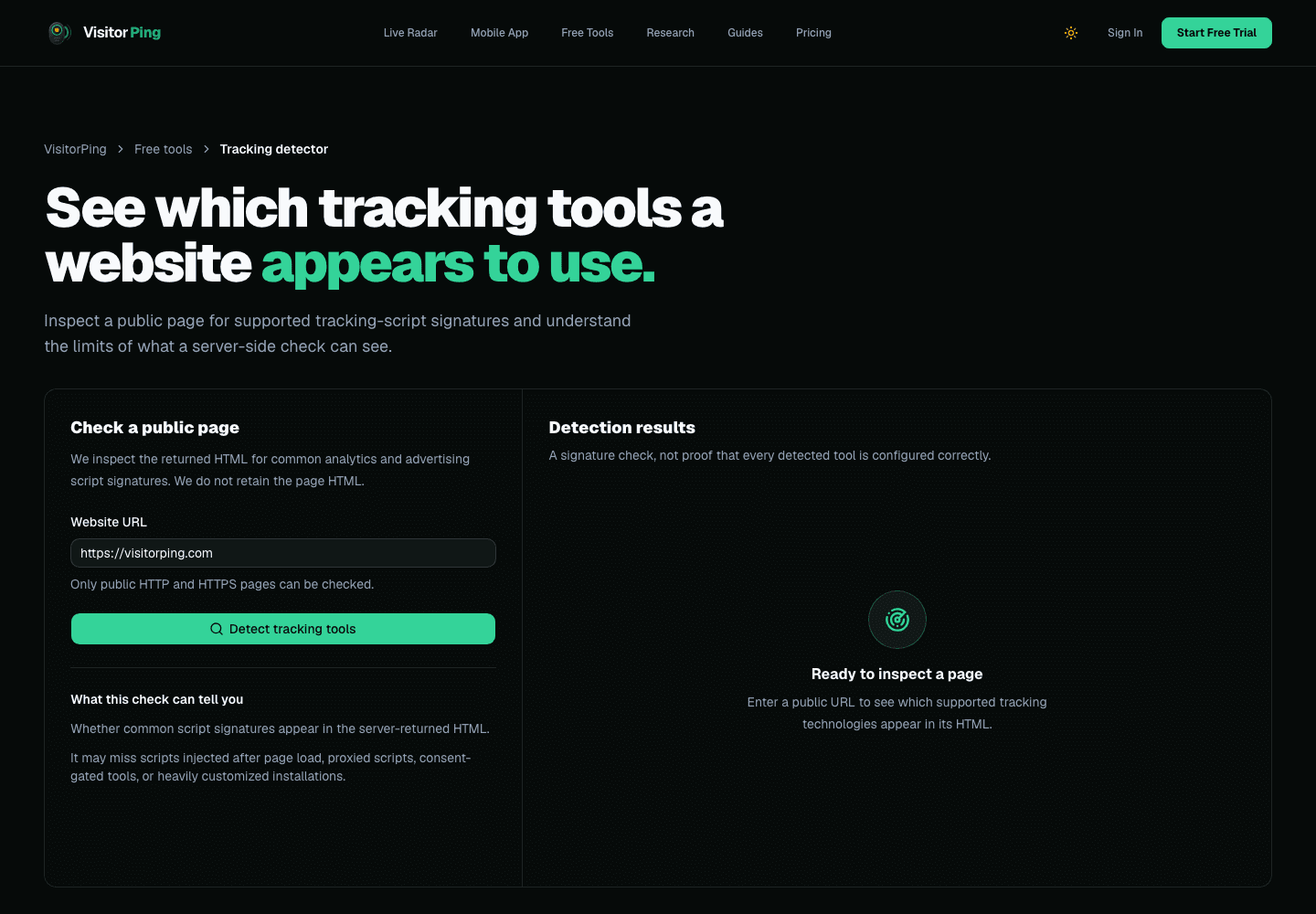
1. Check the published page
Use the tracking detector to inspect the public URL, then compare the script with the instructions for your website. The detector can miss scripts injected after interaction or through a tag manager; absence in its result is not conclusive.
Confirm that the installation is on the public website rather than only an editor preview. Clear caches after changing a template or plugin.
2. Confirm an event reached the workspace
Run the installation check in website settings. Open the published page in a separate browser and navigate to a second page. In Live Radar, confirm the correct website and route.
A request accepted by an endpoint is not the same as a persisted event. The visible journey is a stronger check than merely seeing a script tag or successful network response.
3. Investigate the first failing step
No script: review publishing and installation. Script present but no visit: review the site key, domain, exclusions, blockers, subscription, and collection budget. Visit visible but no alert: review phone pairing, permissions, quiet hours, and rules.
The live dashboard distinguishes paused collection, unavailable snapshots, and reconnecting live updates. Refresh after changing settings; do not interpret an empty list alone as proof that tracking is broken.
4. Keep a short verification record
Note the test date, website, pages visited, whether the journey appeared, and whether the notification arrived. Keep screenshots free of customer personal information.
Repeat this check after changing domains, publishing systems, tag managers, or notification settings. Exclude your test sessions from acquisition results.
Find what is costing you search clicks, then watch the fix work.
VisitorPing reads your own Search Console data for the pages losing clicks, then rings your phone the moment someone lands on your website.